 GlobeVision
Technical SEO advice online is often written for large sites with dedicated engineering teams — crawl budget optimization for millions of URLs, log-file analysis, international hreflang architecture. If you run a small site or a blog, most of that doesn’t apply to you yet, and chasing it wastes time you could spend on things that do.
Reading about enterprise-scale SEO tactics and assuming they're the priority. On a site with a handful to a few hundred pages, a duplicate title tag or a broken link does more damage, more often, than anything on the advanced playbook — fix the basics below first.
This is a checklist scoped for a site with roughly a handful to a few hundred pages — enough to matter, small enough that the advanced enterprise playbook isn’t the right one yet.
1. Every page has a unique title tag and meta description
This is the most common issue on small sites, usually caused by a CMS default rather than a deliberate choice — WordPress, for instance, will happily let two posts share a generic auto-generated title if you never set one manually. Duplicate titles confuse search engines about which page to rank for a query, and they look identical and unhelpful in search results.
Go through your page list and check for duplicates specifically — not just missing titles, but two different pages with the same one.
2. Your site has one canonical version, not four
Check whether example.com, www.example.com, http://example.com, and https://example.com all load the same content without redirecting to a single version. If they do, you’re splitting ranking signals across multiple URLs that search engines see as different pages. Pick one (almost always https://www. or https:// without www) and redirect the rest to it with a 301.
3. You have a sitemap.xml, and it’s accurate
A sitemap doesn’t guarantee indexing, but it’s the clearest signal you can give search engines about which pages you consider worth indexing. It should list your real, live, canonical pages — not include URLs that 404, redirect, or are marked noindex.
4. Your robots.txt isn’t accidentally blocking anything important
This sounds basic, but it’s a recurring cause of “why isn’t my site showing up at all” — usually left over from a staging environment or a plugin default that was never revisited. Open yoursite.com/robots.txt and read it. If you don’t recognize why a line is there, investigate before assuming it’s fine.
5. Broken internal links are fixed, not ignored
Every broken internal link wastes a small amount of crawl budget and signals a site that isn’t maintained. On a small site this is usually a handful of old blog posts linking to pages you’ve since renamed or deleted — worth a periodic check rather than a one-time fix, since it recurs as content changes.
6. Images have real ALT text, not filenames
IMG_4821.jpg as ALT text helps no one — not screen reader users, not image search, and not the content-quality signals search engines infer from a page. Write ALT text that describes what’s actually in the image, in the context of the page.
7. Core pages load without significant delay
You don’t need a perfect performance score, but a page that takes many seconds to become usable will hurt both rankings and, more immediately, how many visitors stick around. Test your homepage and a couple of key pages with a real-world connection speed in mind, not just on your own fast office wifi.
8. Structured data, where it applies
If you run a blog, adding Article schema is low-effort and helps search engines understand your content type. If you sell products, Product schema with real price and availability data can enable richer search results. Don’t add schema types that don’t match your actual content — inaccurate structured data can do more harm than none at all.
Quick reference
- Unique title tag and meta description on every page
- One canonical domain version — the rest redirect with a 301
- Accurate sitemap.xml listing only real, live, canonical pages
- robots.txt reviewed line by line, nothing blocked by accident
- No broken internal links left unfixed
- Real, descriptive ALT text on every meaningful image
- Core pages load acceptably on a realistic connection
- Structured data present only where it matches real content
Turning this into a repeatable habit
This checklist is manageable by hand once. The harder part is re-checking it every few months as your site grows, content changes, and old pages get forgotten — which is usually when duplicate titles and broken links quietly creep back in.
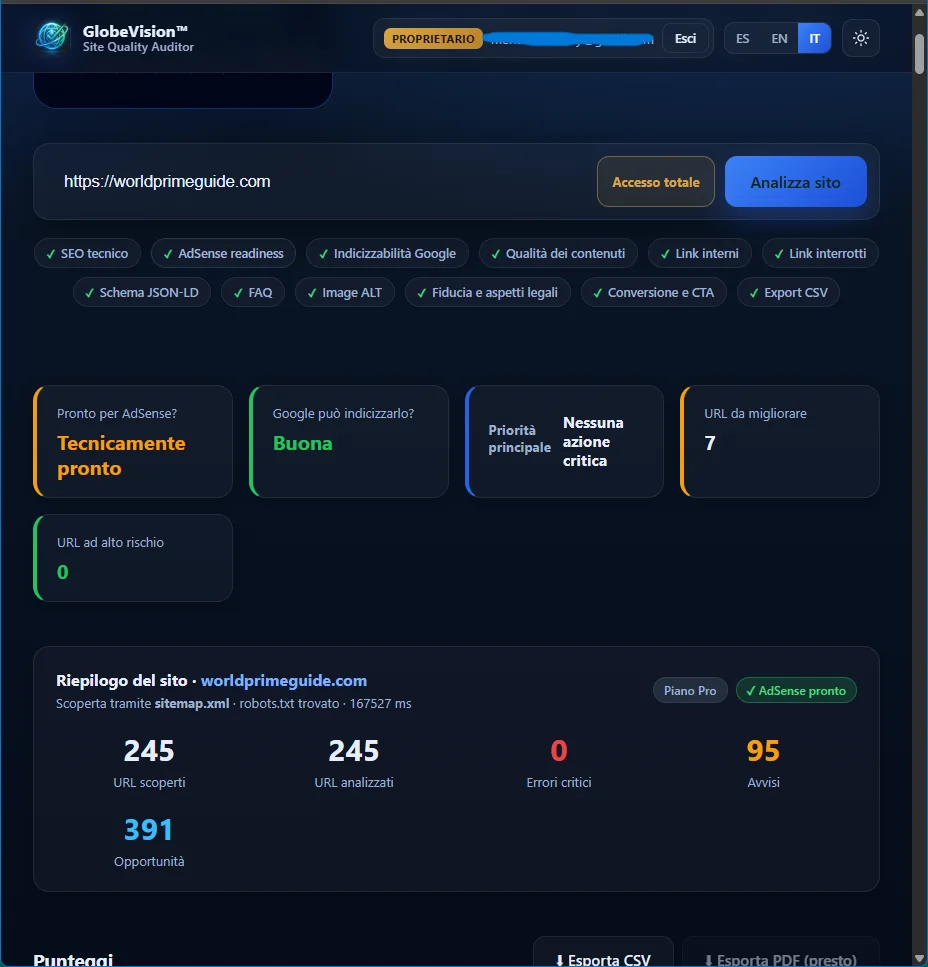
GlobeVision runs every item on this list automatically across every page of your site, on a schedule you control, and tells you exactly which pages need attention rather than leaving you to re-click through your navigation every quarter.